
Linear Roadmap: The Complete Guide for 2026
Learn everything about Linear Roadmap in this complete guide. Includes practical tips, examples, and expert insights. Read the full guide.
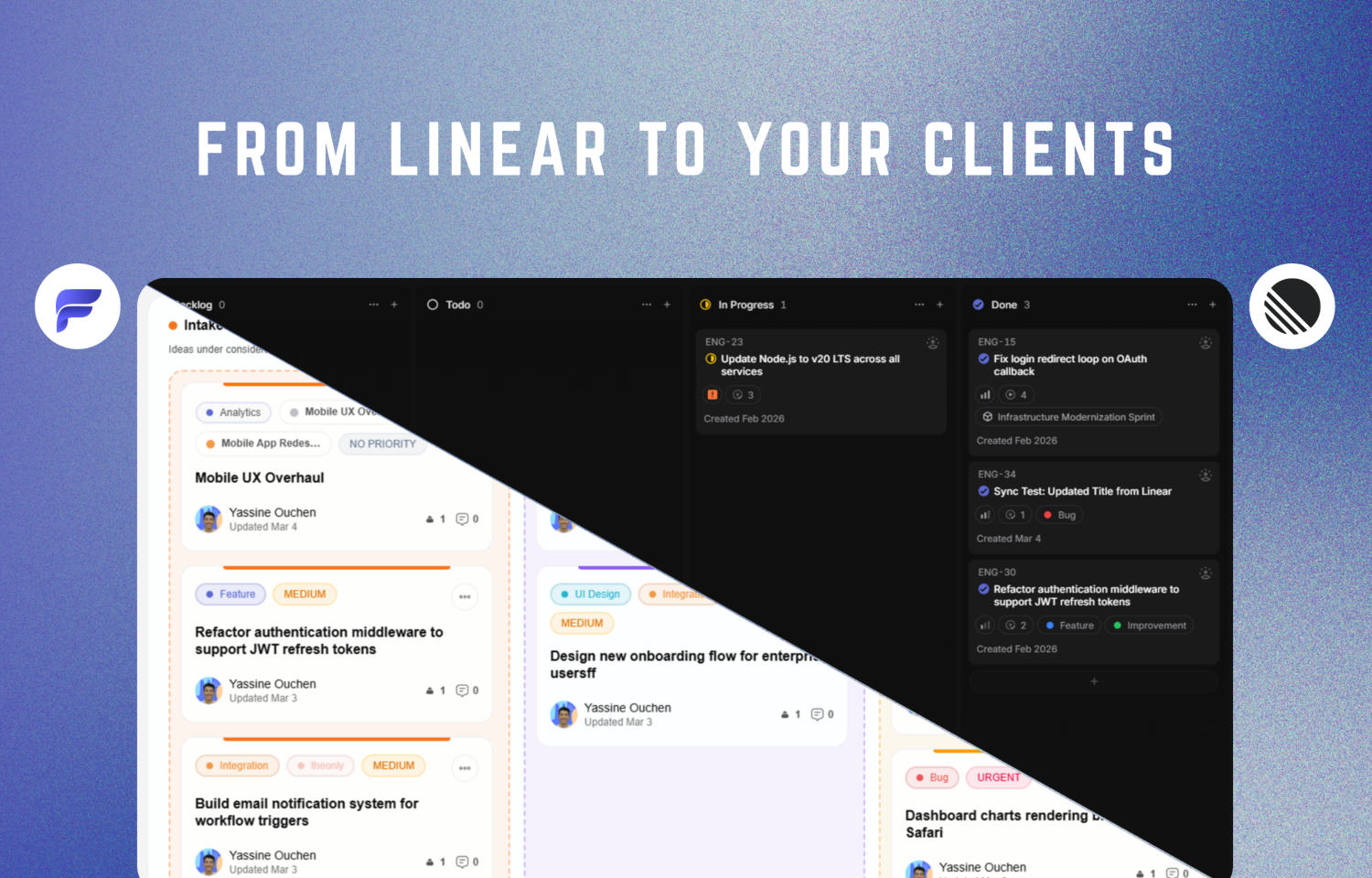
Linear Roadmap: How to Build & Share One in 2026
A Linear roadmap helps your team understand what you're building, when projects are expected to happen, and how that work connects to larger company goals.
One terminology change matters before we start:
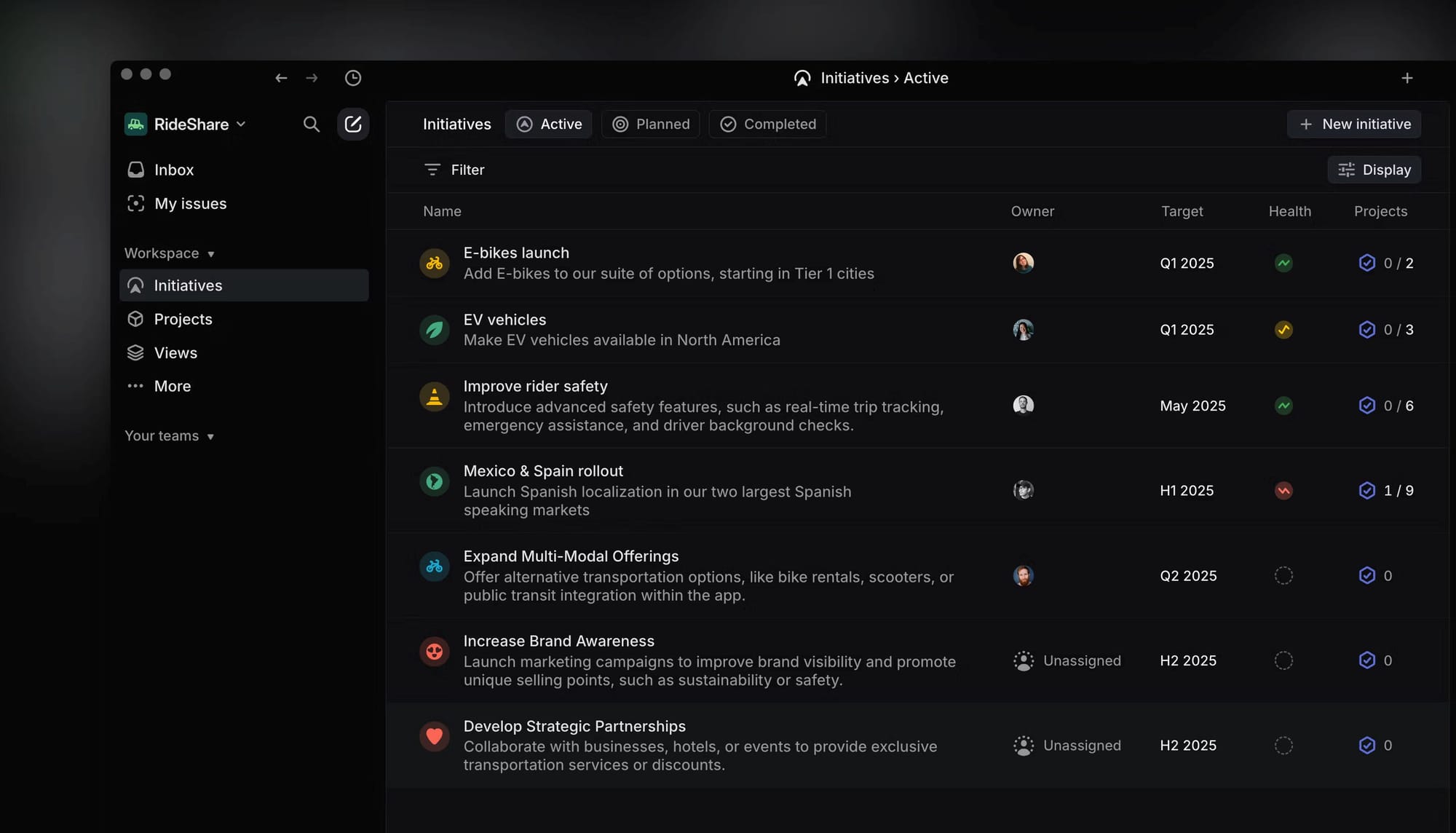
Linear replaced its old Roadmaps feature with Initiatives. Today, teams generally use Initiatives for strategic planning, Projects for execution, and Timeline for roadmap visualization.
If you're searching for “Linear roadmap,” you're still in the right place. This guide explains the current workflow and how to turn selected Linear work into a roadmap customers can follow.
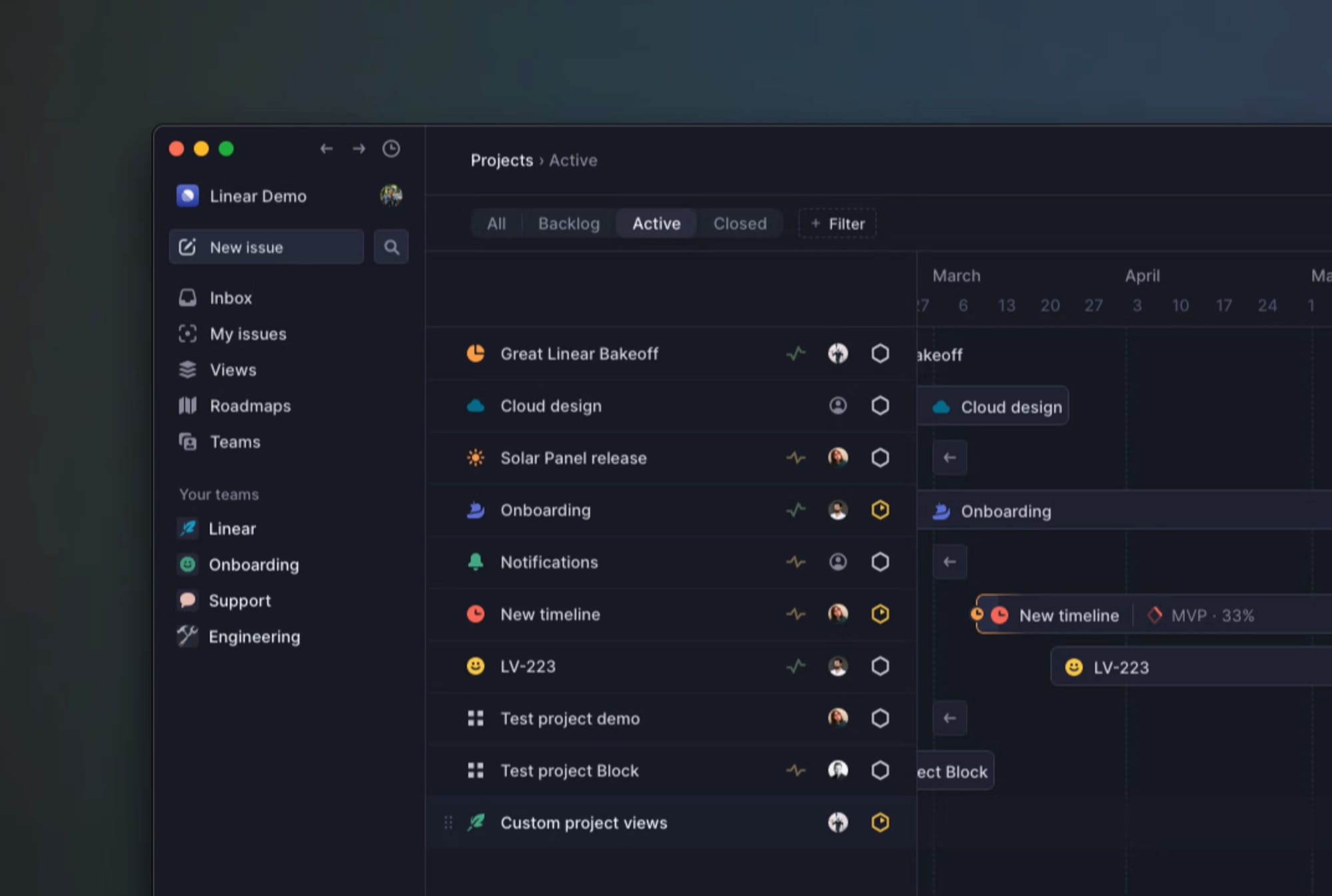
What is a Linear roadmap?
A Linear roadmap today is really a combination of several Linear features:
| Feature | Purpose |
|---|---|
| Initiatives | Group projects around larger strategic objectives |
| Projects | Organize defined bodies of product or engineering work |
| Timeline | Visualize projects chronologically |
| Issues | Track the individual implementation tasks |
A simple mental model is:
Initiative → Projects → Issues
Timeline then gives you the chronological roadmap view.
How to create a roadmap in Linear
1. Create meaningful Projects
Start with projects representing meaningful outcomes rather than collections of unrelated tasks.
For example:
Good: Enterprise onboarding redesign
Bad: Various Q3 work
2. Add start and target dates
Set realistic planning dates so Linear can position projects chronologically.
3. Open Timeline
Open your Projects view, select Display, then switch to Timeline.
4. Add milestones
Use milestones to mark important stages such as:
- Design complete
- Internal alpha
- Beta
- Public release
5. Add project dependencies
Represent sequencing where one project depends on another.
6. Group projects under Initiatives
When several projects contribute toward the same strategic goal, group them under an Initiative.
Can you make a Linear roadmap public?
Linear is primarily designed for people working inside a Linear workspace.
That works extremely well for product and engineering teams.
It's less convenient when your audience becomes:
- customers
- clients
- prospects
- community members
- external stakeholders
Giving every customer access to your internal project tracker also exposes far more implementation detail than most customers need.
A better model is often:
Linear = internal source of truth
Customer roadmap = selected external view
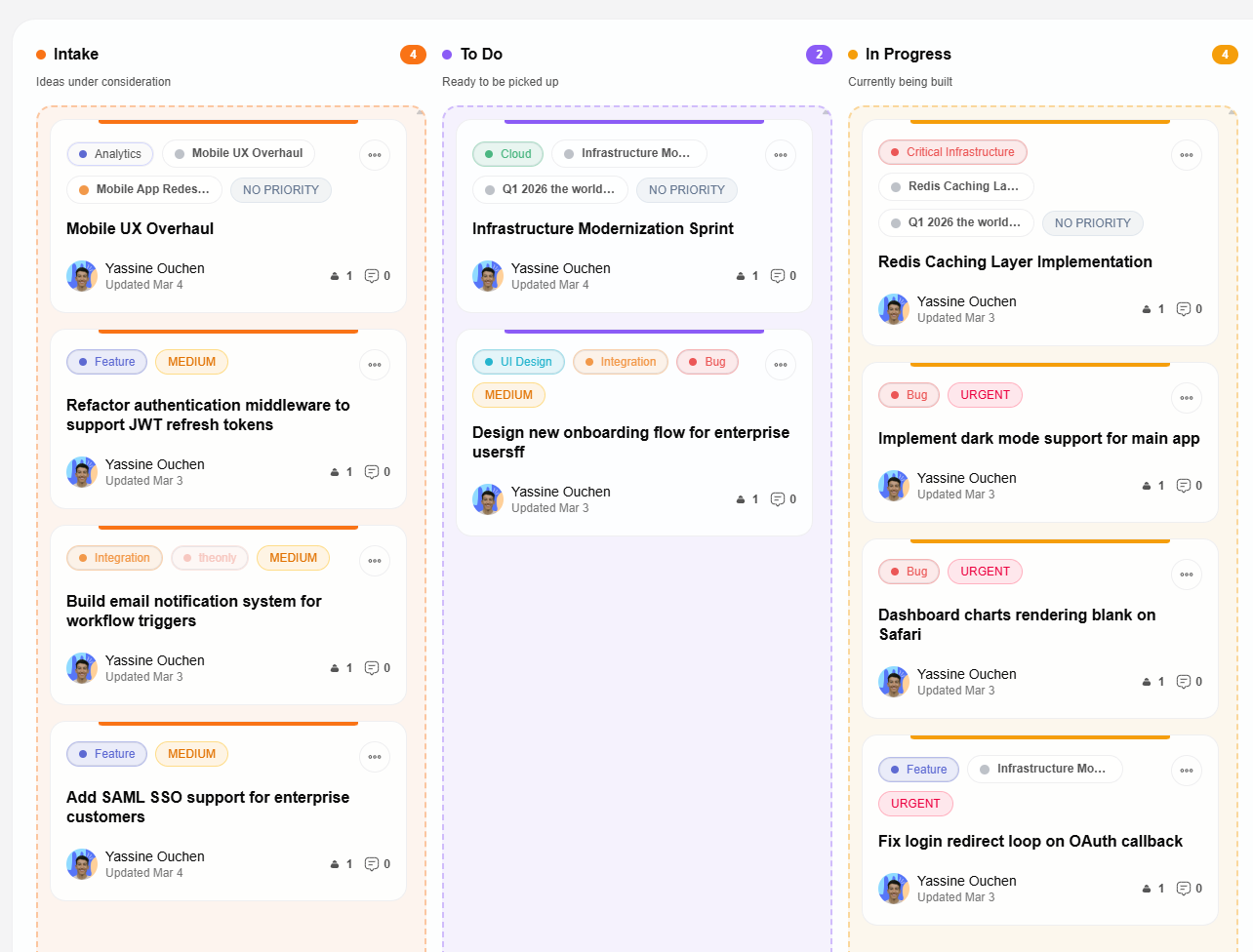
How to share a Linear roadmap with customers
You have a few options.
Screenshots
Fast and free, but immediately outdated.
Docs or spreadsheets
More flexible, but someone has to keep them synchronized manually.
Give customers Linear access
Reasonable for a small number of close collaborators, but not ideal for a public roadmap or large customer base.
Connect Linear to a customer-facing roadmap
This keeps Linear as the place your team works while giving customers a separate interface.
With Feedvote, the workflow becomes:
Customer feedback → Feedvote → Linear → Feedvote → Customer
Your team decides which work becomes customer-visible instead of exposing the entire workspace.
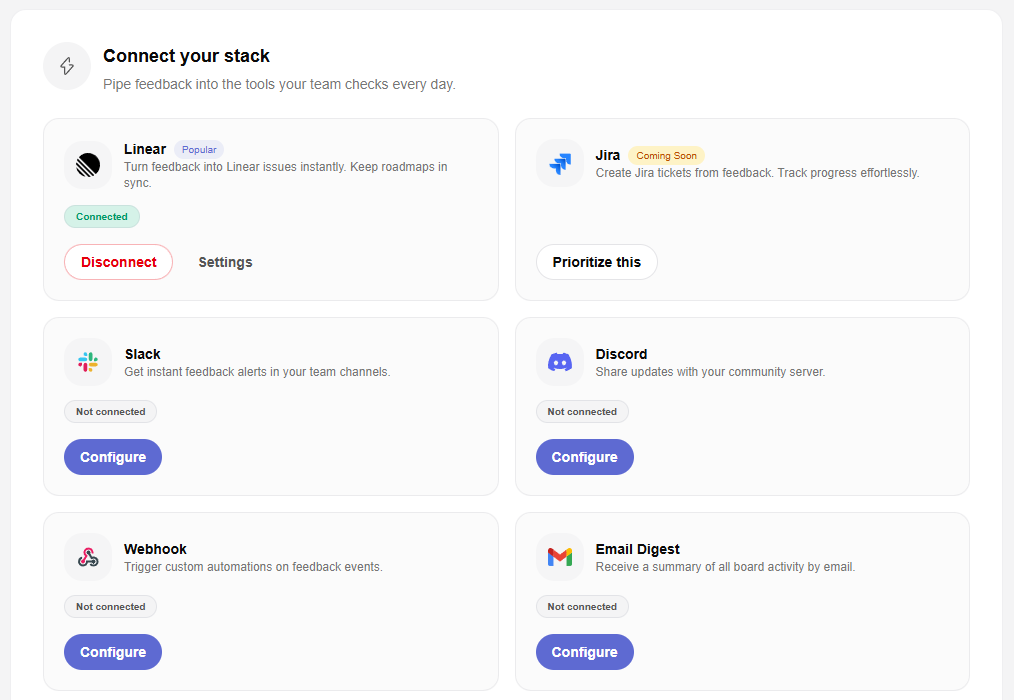
How Feedvote works with Linear
Choose what enters Feedvote
Select the relevant Linear issues, projects, teams, and labels.
Newly imported work can remain private while your team reviews it.
Choose what customers can see
Publish work publicly or make selected items visible only to specific customers.
Map internal statuses to customer-friendly stages
Your internal Linear workflow might contain:
Backlog → Ready → Development → QA → Release
Customers may only need:
Planned → In Progress → Shipped
Collect feedback before creating engineering work
Customers can submit requests through Feedvote.
Your team reviews them before deciding whether they should become Linear work.
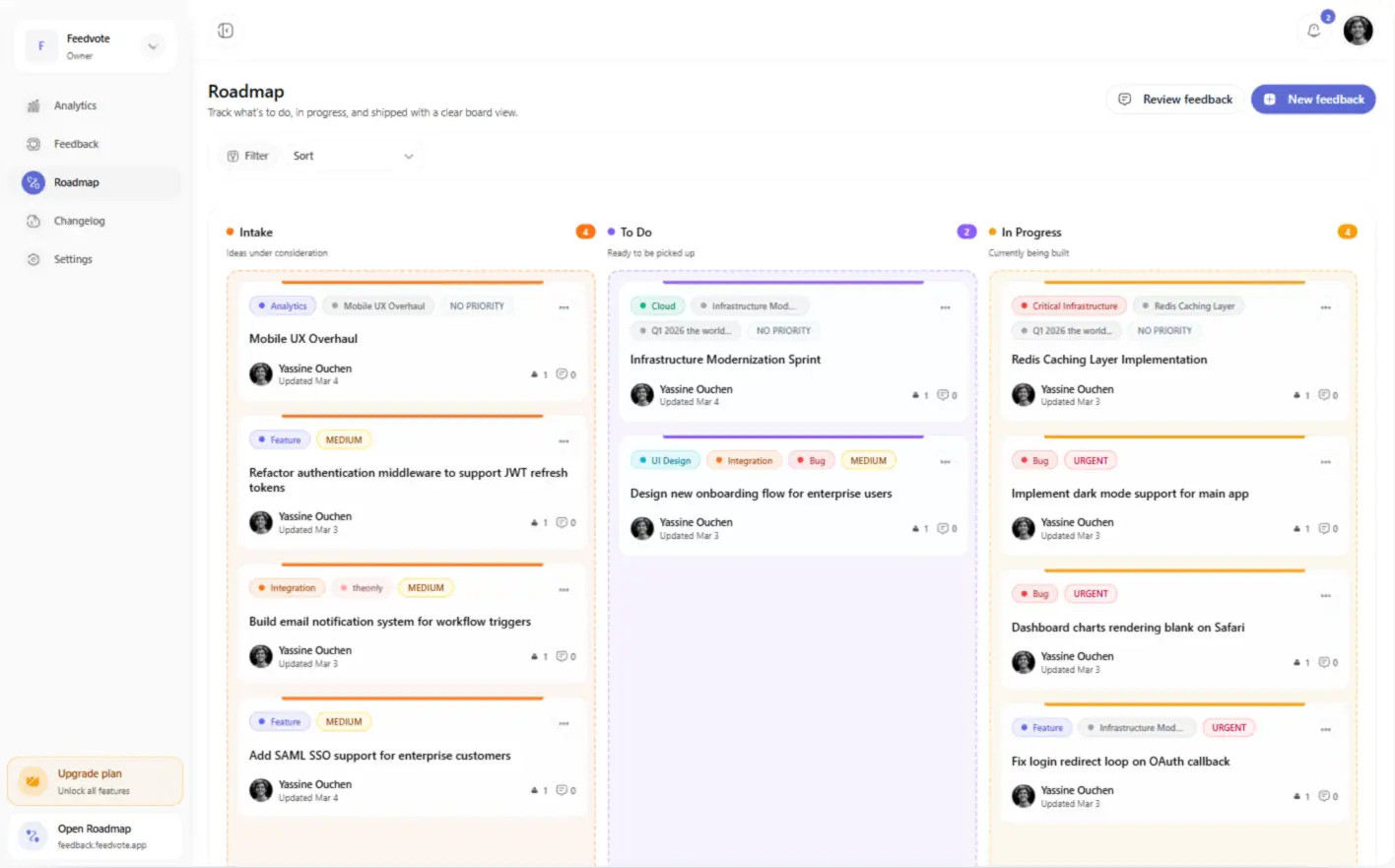
Close the feedback loop
The most important part isn't simply collecting requests.
It's what happens afterward.
Customer requests feature
↓
Team reviews it
↓
Approved work goes into Linear
↓
Engineering builds it
↓
Status updates flow back to Feedvote
↓
Customer sees progress
↓
Feature ships
That is the real advantage of keeping customer feedback connected to the work being delivered.
Optional: show the changelog
If you want one additional image here, use:
/images/changelog.png
Caption:
Shipped Linear work can become customer-facing release communication through Feedvote.
But I would consider this image optional.
Five screenshots is already enough for this article.
Linear vs customer-facing roadmap
| Linear | Feedvote | |
|---|---|---|
| Main audience | Product & engineering | Customers & clients |
| Project planning | ✅ Excellent | Not the purpose |
| Engineering issues | ✅ | Selected only |
| Public roadmap | ❌ Not its primary model | ✅ |
| Private customer views | Workspace access | ✅ |
| Feedback & voting | Internal customer-request workflows | ✅ Customer-facing |
| Customer-friendly statuses | Internal workflow | ✅ |
| Linear execution | ✅ | Synced |
Linear remains the source of truth.
Feedvote handles the customer-facing side.
When you don't need Feedvote
If your roadmap is entirely internal and only your employees need access, just use Linear.
You don't need another tool.
Feedvote becomes useful when you want people outside your Linear workspace to:
- see selected roadmap work
- submit requests
- vote
- follow progress
- receive updates
That's the distinction.
Keep Linear internal. Make the roadmap customer-facing.
Plan and execute in Linear.
Then publish only the work your customers actually need to see.
Feedvote connects customer feedback, selected Linear issues and Projects, roadmap progress, and product updates without forcing customers into your internal workspace.