
Slack and sales notes
Helpful context gets buried, duplicated, or trapped in individual conversations.
 Linear customer feedback
Give customers a structured feedback portal, prioritize requests by real demand, and send accepted work into Linear with the context attached.




200+ teams use Feedvote

Feedvote + Linear
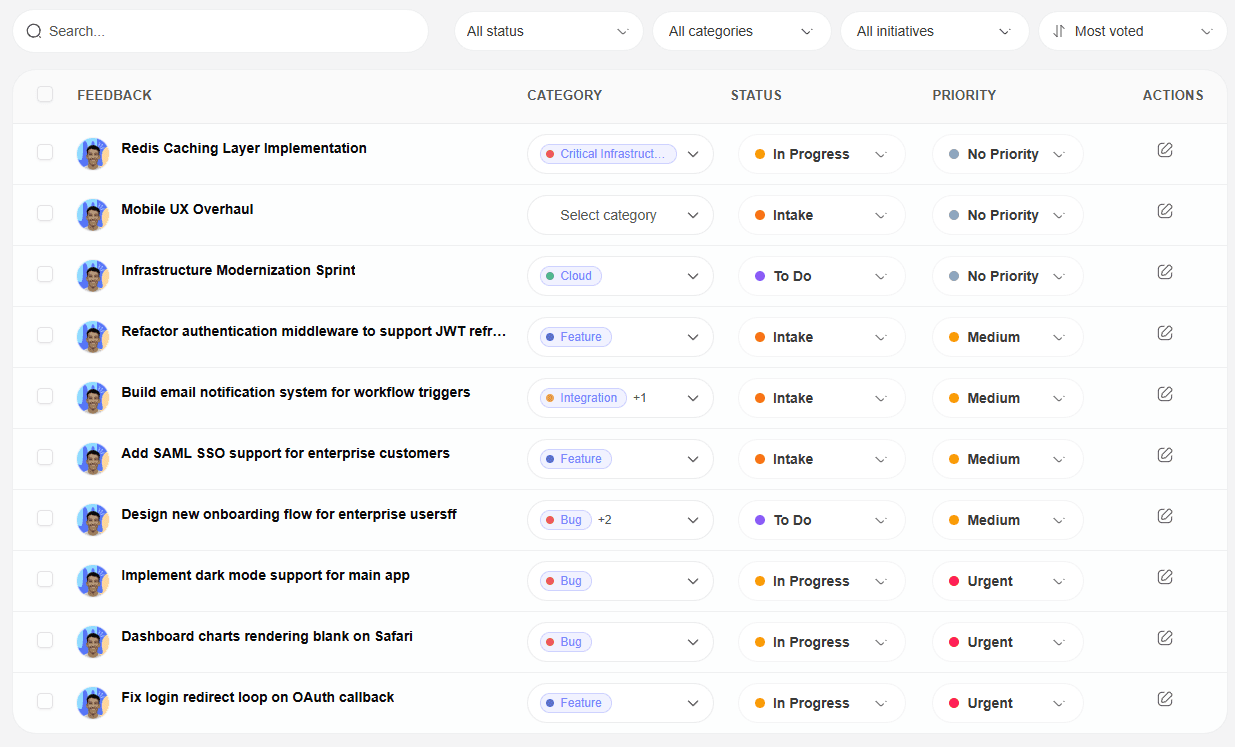
Customers should not need Linear access to share product feedback. Feedvote lets them submit requests in a customer-facing portal, while your team reviews demand and sends the right work into Linear.
Replace scattered emails, calls, and chat messages with a single portal customers can use anytime.
Not every idea should become an issue. Feedvote helps teams understand demand before engineering sees the work.
Linear stays cleaner when it contains accepted product work instead of every raw request customers submit.
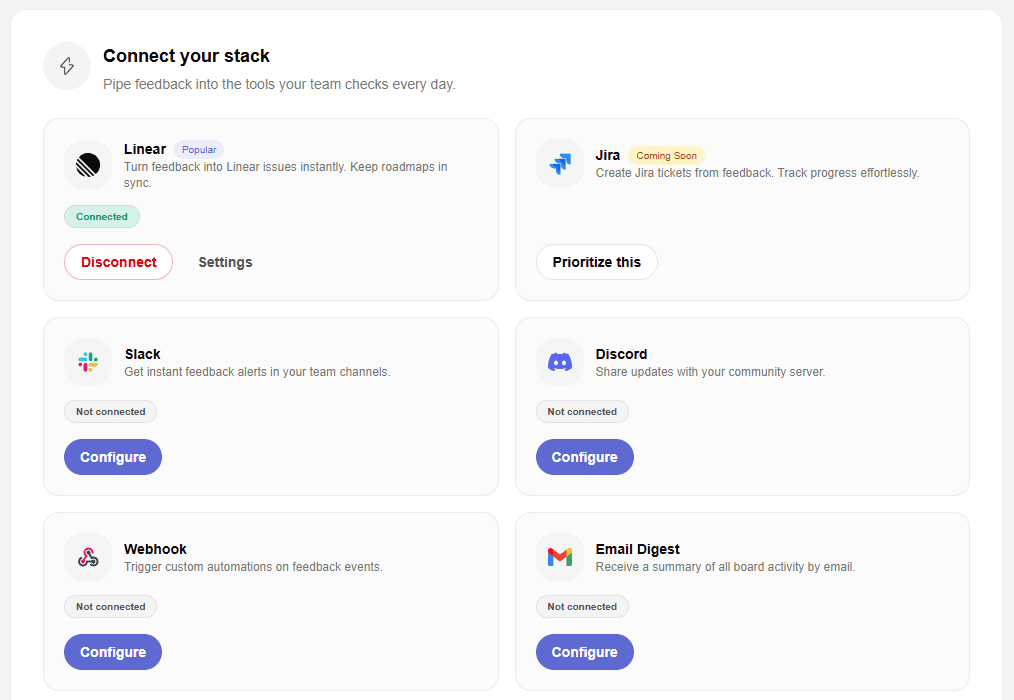
When a request is ready, create a Linear issue that carries the customer context your team needs.
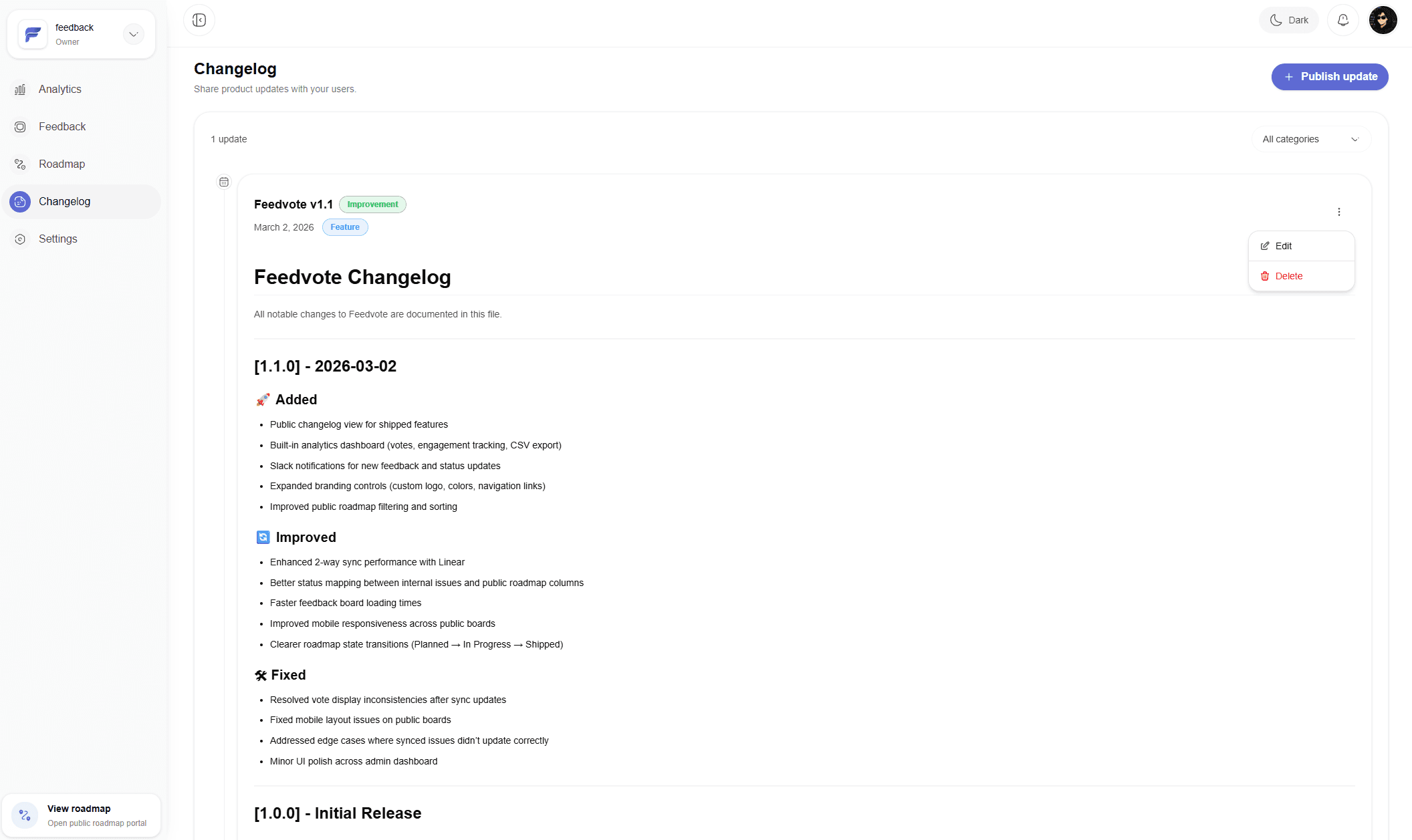
Customer feedback is stronger when people hear back. Feedvote closes the loop after Linear work moves or ships.
Those channels are fine for a single conversation. Feedvote is better when feedback needs to become a repeatable Linear workflow.
Helpful context gets buried, duplicated, or trapped in individual conversations.
Forms collect submissions, but customers cannot vote, follow progress, or see whether an idea already exists.
Spreadsheets are flexible, but they do not connect feedback to Linear issues and customer updates.
See the full Feedvote workflow for Linear feedback, feature requests, and public roadmap updates.
Give each client a controlled view of selected Linear work, requests, and progress without sharing your workspace.
A practical guide to publishing selected Linear work in a customer-facing roadmap.
Give users a place to submit, vote, and follow requests while engineering stays in Linear.
Compare Feedvote for Linear-first teams that want feedback, roadmap, and updates together.
Give every customer group a controlled view of selected Linear issues and projects.
Choose source teams, projects, labels, one created-date condition, completed-work handling, comments, and status mapping before import.
Control browsing, participation, moderation, public labels, displayed fields, and navigation.
Use a dedicated feedback portal for customer submissions, votes, and comments, then send approved requests into Linear as issues.
Yes. Customers use Feedvote to submit and follow feedback, so they do not need access to your Linear workspace.
Yes. Feedvote captures votes and comments so product teams can see which requests have the strongest customer signal before creating Linear work.
Yes. Feedvote gives teams a moderation layer so only accepted requests become Linear issues.
Choose what to publish, keep internal work private, and close the loop when customer-requested work ships.