
Linear guest access
This can work when a client belongs inside your delivery tool, but it gives them a product built for internal execution rather than a focused customer view.
 Linear client portal
Create public or private client portals for selected Linear work. Control what each customer sees, collect requests when you want participation, and keep progress current from one internal source of truth.




200+ teams use Feedvote

Feedvote + Linear
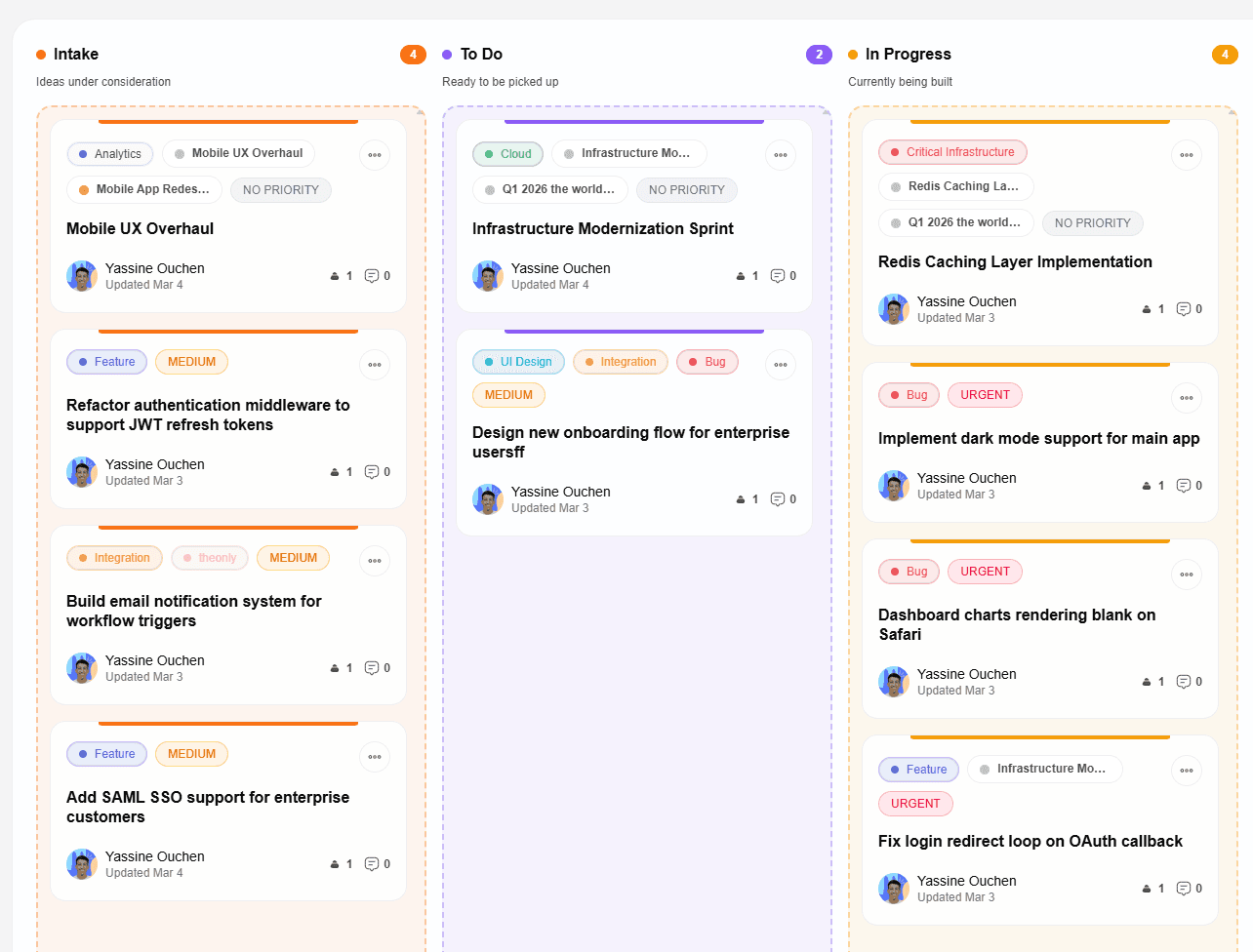
A Linear client portal is a separate customer-facing workspace that publishes only the Linear issues and projects a client should see. Feedvote adds private customer views, optional feedback, voting, comments, and status updates while Linear remains the internal source of truth.
Verify Feedvote in Linear’s integration directoryProduct details updated August 22, 2026
These controls are available in Feedvote today and can be combined differently for public roadmaps, private clients, and customer feedback workflows.
| Capability | Feedvote behavior |
|---|---|
| Client access | Public browsing, invited customer sign-in, or a fully private board |
| Per-client visibility | Customer groups with manual access or separate Linear label rules for issues and projects |
| Published Linear work | Selected Linear issues, projects, or both; new imports are public by default |
| Client participation | Optional feedback submissions, voting, comments, and anonymous participation |
| Moderation | Admin approval before new feedback appears publicly or becomes connected Linear work |
| Progress updates | Linked Linear status sync plus notifications for request authors, voters, commenters, and watchers |
| Branding | Logo, colors, custom domain with SSL, and optional removal of Feedvote branding |
| Price and limits | $49 per month or $499 per year with unlimited client boards, projects, team members, feedback, and votes |
Manage one Feedvote board while giving every customer group a relevant view of selected Linear issues, projects, and feedback.
Choose the source teams, projects, and labels that belong in the portal, preview the match, and publish the selected work directly to the roadmap.
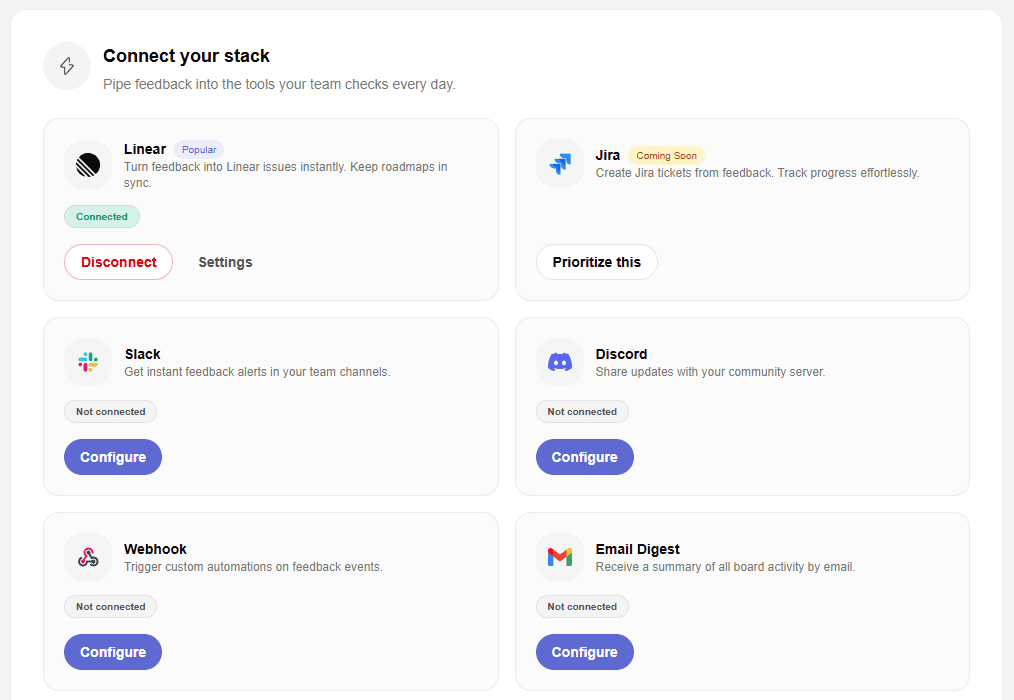
Turn participation on when you need more than a read-only view. Client feedback stays organized outside Linear until your team decides it belongs in delivery.
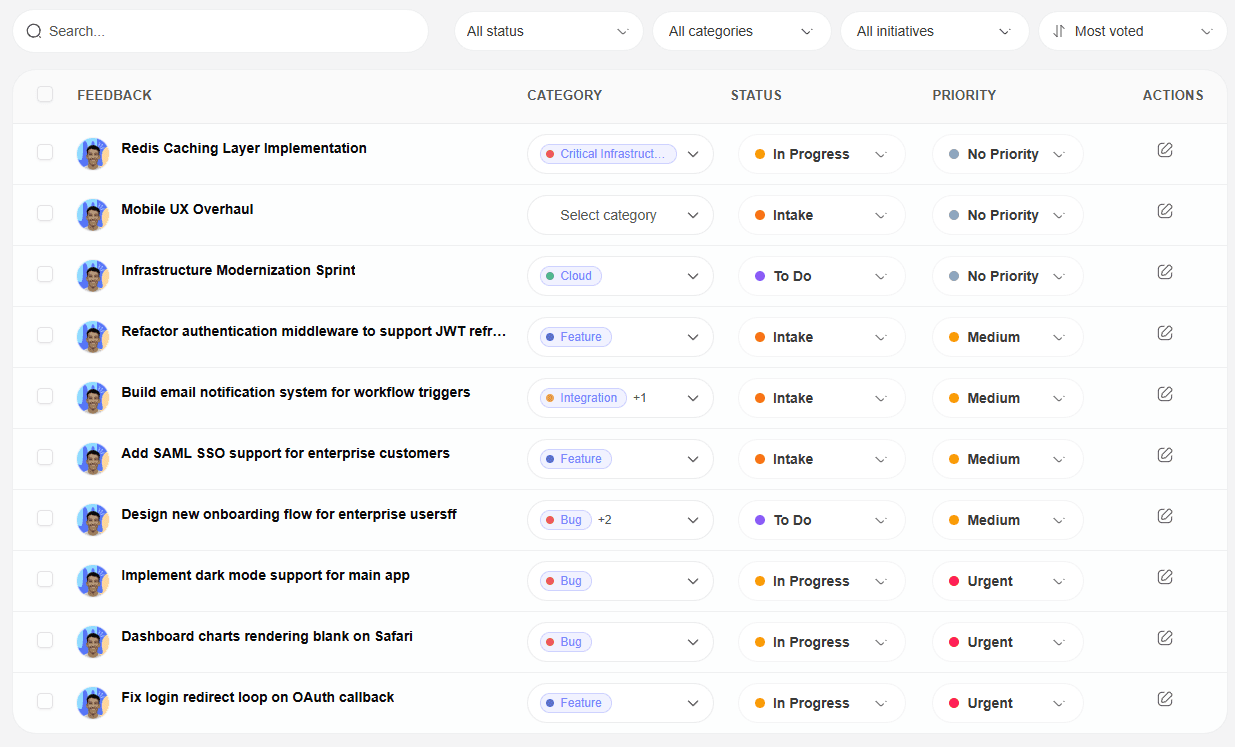
Customers follow the status of work you chose to share while product and engineering continue working in Linear.
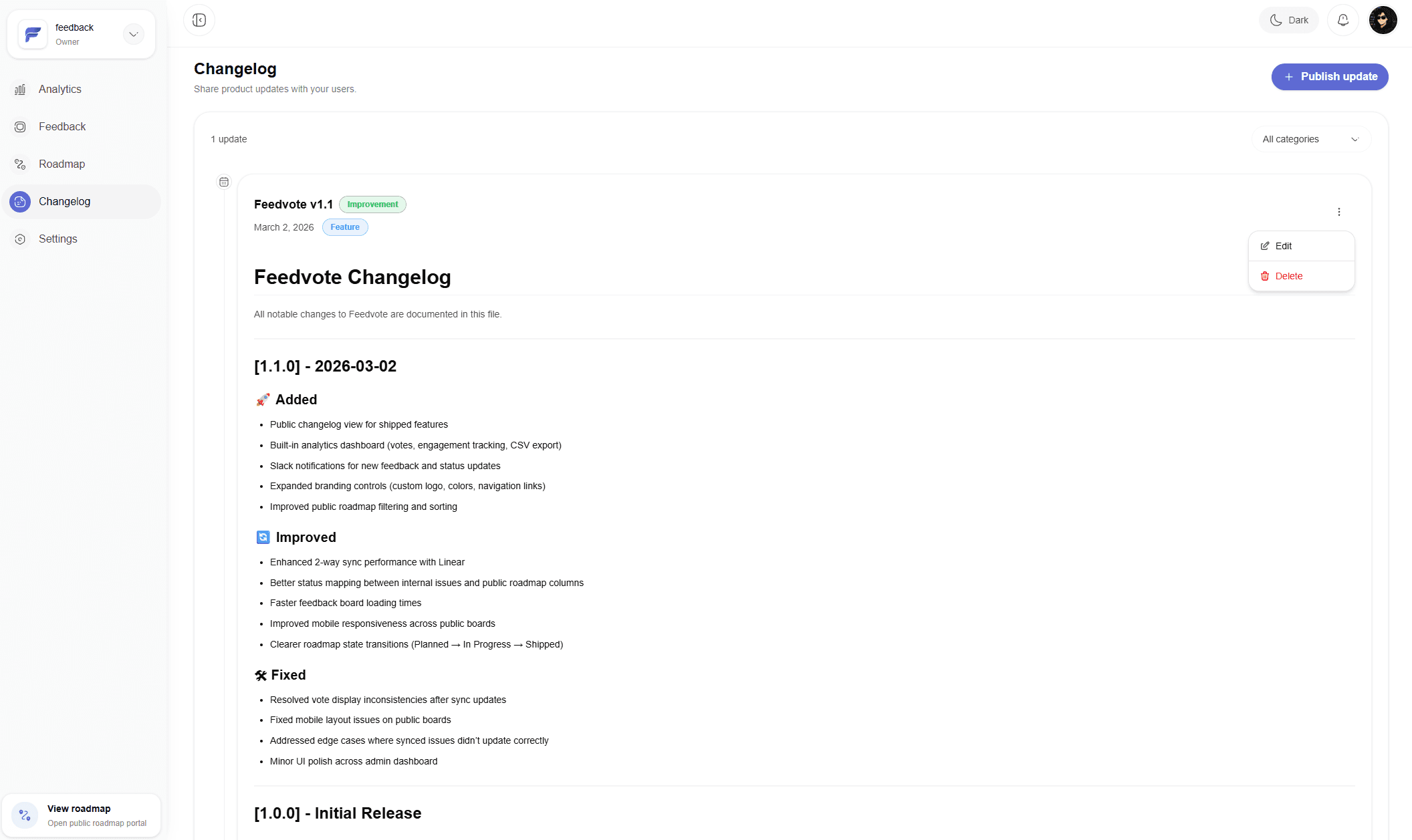
The right client portal depends on whether customers only need visibility or should also participate in the feedback and delivery loop.
This can work when a client belongs inside your delivery tool, but it gives them a product built for internal execution rather than a focused customer view.
Helium Rooms is a focused option when branded read-only rooms, timeline roadmaps, and daily or weekly digest emails are the main requirements.
A custom portal offers maximum control, but your team owns authentication, permissions, Linear synchronization, notifications, and ongoing maintenance.
See the full Feedvote workflow for Linear feedback, feature requests, and public roadmap updates.
A practical guide to publishing selected Linear work in a customer-facing roadmap.
Turn raw customer ideas into prioritized Linear issues without filling Linear with noise.
Give users a place to submit, vote, and follow requests while engineering stays in Linear.
Compare Feedvote for Linear-first teams that want feedback, roadmap, and updates together.
Give every customer group a controlled view of selected Linear issues and projects.
Choose source teams, projects, labels, one created-date condition, completed-work handling, comments, and status mapping before import.
Control browsing, participation, moderation, public labels, displayed fields, and navigation.
Compare current client portal workflows, roadmap behavior, feedback controls, pricing, and best-fit use cases.
A Linear client portal is a separate customer-facing view of selected Linear work. Clients can follow relevant progress without entering the internal Linear workspace, and the portal can optionally support requests, voting, comments, and updates.
Yes. Feedvote customer groups can receive different issues, projects, and feedback. Access can be assigned manually or automated with separate Linear label rules for issues and projects.
No. Clients use the Feedvote portal instead of joining your Linear workspace. Public content can be browsed anonymously, while private customer views use invited access.
Yes. Your team can review customer submissions in Feedvote and create connected Linear work from approved feedback. Linked status changes can then return to the customer-facing portal.
Yes. You can keep roadmap browsing available while disabling new submissions, voting, or comments. You can also require sign-in or run approval before new feedback appears publicly.
Feedvote is the stronger fit when clients should submit, vote, comment, pass through moderation, and receive updates around linked Linear work. Helium Rooms may fit better when read-only client rooms, timeline views, and digest emails are the main priority.
Choose what each customer can see, collect requests when you want input, and keep shared progress connected to Linear.